A Sugargoo spreadsheet link can fail at several different points: the catalogue button, a marketplace listing, a selected option or the platform's product import. Those failures need different responses. Searching for a similar title and buying the first result can replace the item without your noticing. This guide explains how to identify the failed step, keep the original evidence and decide whether a verified alternative exists. It also clarifies that this independent site's catalogue search is not the same interface as your Sugargoo account.
Identify which link in the chain has failed
Start from the page you actually used and record its destination. A category button, an individual product card and a search form perform different jobs. On this site, shopping controls lead to the corresponding main catalogue pages. An individual listing can then provide the information needed for your own buying workflow. Do not interpret a catalogue search result as proof that Sugargoo has accepted an order or reserved the selected option.
Write down what happens: a missing page, a blank result, a login prompt, an unavailable variant or a product-import message. Include the exact stage rather than saying only “the link is broken”. A category page opening correctly does not prove that every product beneath it is available. Similarly, a valid product page can still contain an out-of-stock colour. Separating navigation from stock and import behaviour keeps the troubleshooting focused.
Save the original product identity before changing anything
Retain the original URL, product ID where present, seller identity, product title and the selected colour, size or model. Save the displayed option image and the date if they are relevant. These details are a comparison record, not proof that the seller will keep the listing unchanged. Product titles are often reused, and a new listing can use a similar photograph while offering a different version or set of included parts.
Avoid overwriting your original link with a replacement until the comparison is complete. Put candidate links in a separate field and explain why each might match. If a shared spreadsheet has changed, your saved information can reveal whether the product ID stayed the same. Without that record, a successful page load can create false confidence: you have recovered a working link but not necessarily recovered the item you intended to buy.
Check the copied address without altering the product
Copy the full link from the original source again and check for spaces, line breaks or punctuation accidentally included by a message. If a sharing page offers a normal product address, use that supported route. Preserve parameters that select the product or variant. Do not remove everything after a question mark on the assumption that it is only tracking; some services place the item identifier in that part of the address.
Use the ordinary browser flow to see whether the marketplace requests a normal sign-in or displays an availability message. A sign-in requirement is different from deletion. Do not try to bypass access controls or assume that a blank automated preview means the underlying listing has disappeared. Record what you can verify through the normal interface. When the page remains inaccessible, keep the uncertainty explicit rather than inventing details from a thumbnail or a cached title.
Distinguish an unavailable option from an unavailable product
A listing may load while your required size, colour or version cannot be selected. Compare the actual selected option with the saved record. Watch for a page defaulting to the first available variant or showing a starting price for another option. If the desired combination is unavailable, another size with the same picture is not an equivalent replacement. Decide whether to wait, ask about availability or abandon that candidate.
Also check quantity and included parts. A photograph of several pieces may illustrate a range instead of the contents of one purchase. If a replacement page changes the packaging or accessories, note that difference before ordering. Do not treat a seller's broad title as stronger evidence than the option details. The correct recovery outcome may be “no verified match available”, which is more useful than buying an item whose differences were hidden during the search.
Separate platform import problems from seller availability
When a marketplace page works but the purchasing interface cannot retrieve it, note the exact message and confirm that you supplied the correct product address. The problem could be a format or retrieval issue, but the message may also describe an unsupported item or restriction. Do not conclude that the product can be bought merely because its public page loads. Ask the platform to clarify the specific condition if the message is ambiguous.
Keep one concise support record with the original link, product identity, intended variant and the observed message. Use screenshots that show the relevant information without exposing unrelated account data. Repeatedly changing the link and product description can make the case harder to assess. A useful response should tell you whether the original item can be considered, what information is missing and what action is available. Avoid paying for a substitute while that basic question remains unresolved.
Use a manual request only when supported and appropriate
Sugargoo's published DIY-order guide describes providing product information, a goods link where available, store details, remarks, images, price, quantity and domestic shipping information. That is a way to submit clear purchase information for review when appropriate. It does not guarantee stock, seller cooperation, product acceptance or a successful shipment. Current platform restrictions and the actual purchasing response still apply to the item you request.
If the platform directs you to that process, describe the exact option and identify any unknown amount instead of guessing it. Ask for confirmation of domestic delivery or another uncertain field. Do not use a manual request to disguise the product category or override a restriction shown by the service. Keep the submitted details and the confirmed purchase outcome together. The important result is an understood order, not simply getting a form to accept text.
Compare replacements using more than the photograph
Evaluate each candidate against the original seller, product ID, material description, dimensions, variant list, included parts and current return terms. A different seller using a similar photo is a new purchasing decision. A changed product ID from the same seller also deserves verification. Mark differences clearly so you can decide whether they are acceptable rather than assuming the replacement is the same item under a new address.
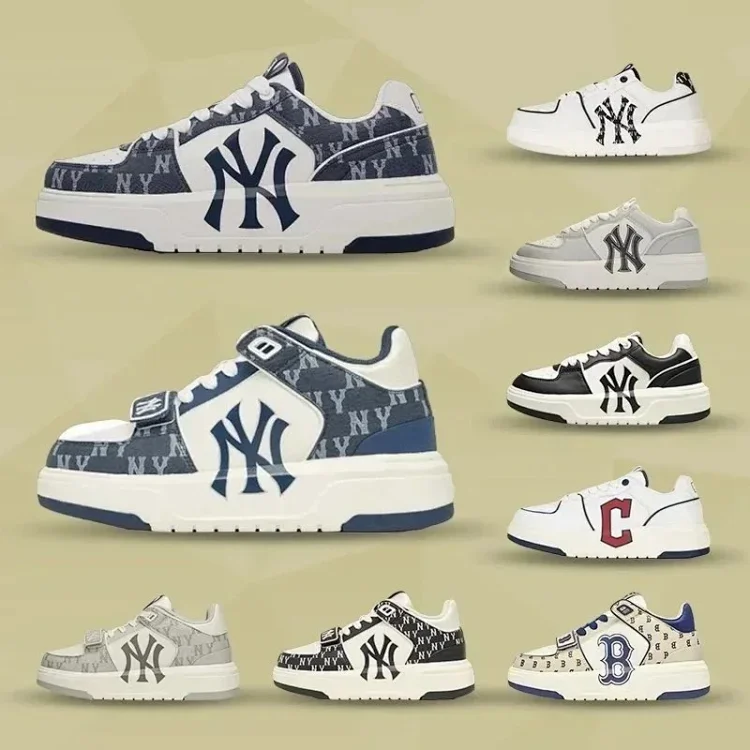
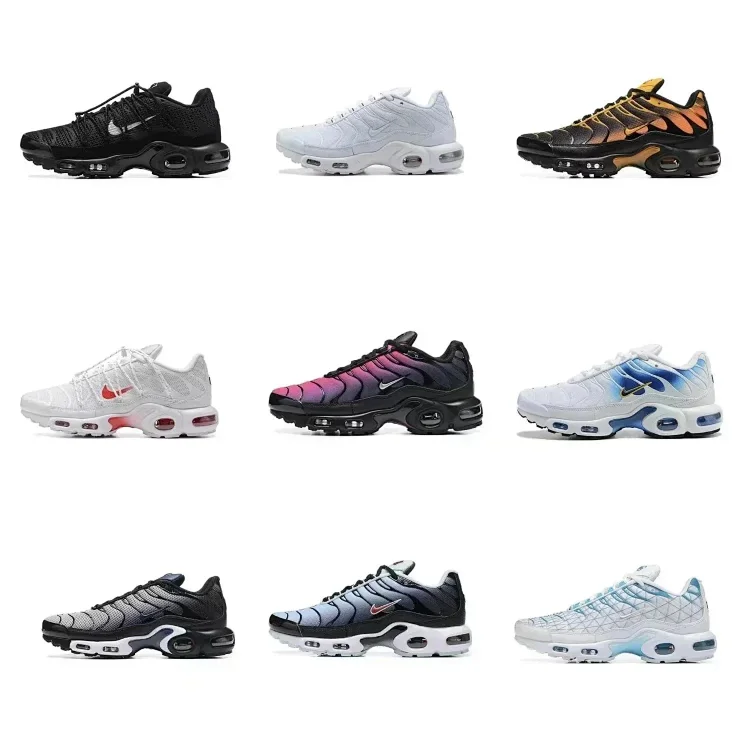
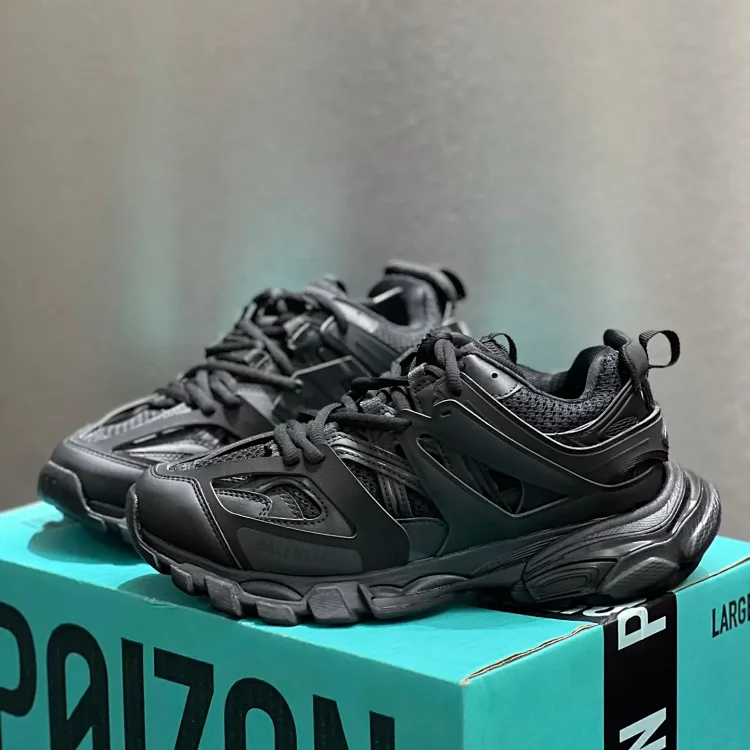
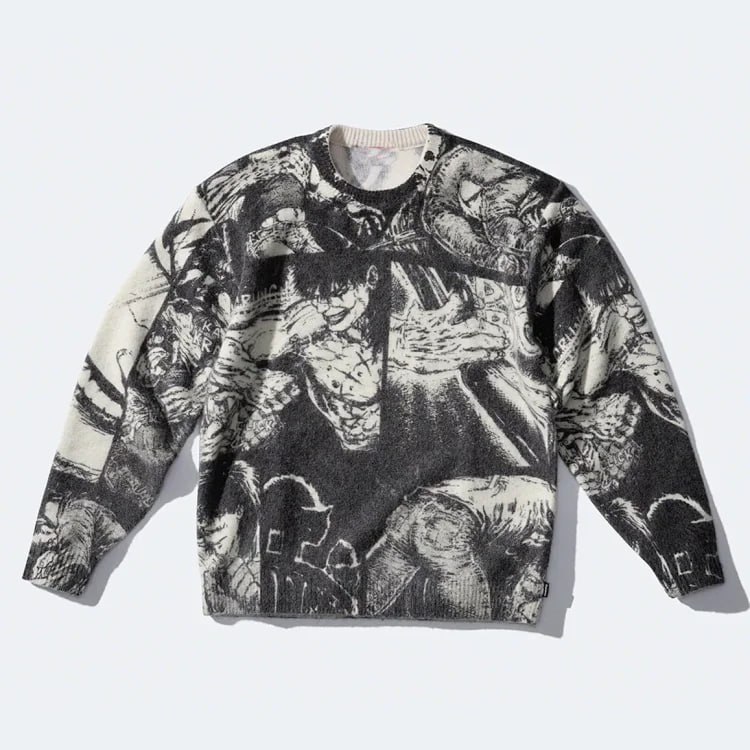
For a hypothetical hoodie, compare the garment measurements and fastening type before considering the graphic. For footwear, compare the model description, selected size and included packaging. Do not invent a batch identity or authenticity claim from matching images. Where key information is missing, request clarification or remove the candidate. A shorter shortlist with verified details is more useful than a large collection of links that all rely on the same untested assumption.
Verify the recovered route and update your record
Before payment, open the final destination again and confirm the exact option, current price, quantity and domestic delivery. Keep that final URL beside the original and record why it was accepted. After warehouse receipt, compare the received item with this final order record, not just the obsolete card. This preserves the chain from discovery to purchase even when the starting spreadsheet or seller page has changed.
If reporting a broken link to the catalogue editor, provide the page, product ID and observed behaviour without private order information. A useful report distinguishes a wrong destination from a correctly linked unavailable product. Do not claim a fix merely because a replacement page opens; verify that its identity and options match the intended route. Keep unavailable candidates marked clearly in your own shortlist so another browsing session does not restart the same unproductive investigation.
Recover the product identity as well as the address. A working link, an available variant and an accepted purchase are three separate checks, and completing all three is what makes the recovered route useful.